Creating Journal
Overview
Creating a journal is the first step in establishing your publication within the Kryoni Journal Management System (JMS). Once your Publishing House has been successfully registered, you can create one or more journals and configure their individual settings, editorial workflows, submission policies, and publication preferences.
The Create Journal module enables publishers and administrators to define the identity and operational framework of each journal. During the setup process, you can configure essential journal information such as the journal name, abbreviation, ISSN details, publication language, subject areas, peer review model, editorial team, manuscript workflow, and submission guidelines.
Each journal operates independently within the publishing house while remaining centrally managed through the Kryoni JMS platform. This allows publishers managing multiple journals to maintain unique configurations, editorial boards, branding, and publishing workflows for each title.
Key Benefits
- Create and manage multiple journals under a single Publishing House.
- Configure journal-specific workflows and editorial policies.
- Define peer review models and submission requirements.
- Assign Editors, Section Editors, Reviewers, and Editorial Staff.
- Customize journal branding, language, and publication settings.
- Configure production, DOI, APC, and communication workflows.
- Launch journals quickly with a guided setup process.
- Manage all journals through a centralized administrative dashboard.
Getting Started
After registering your Publishing House, the next step is to create your journal. A journal serves as the foundation for managing manuscript submissions, editorial workflows, peer review, production, and publication within Kryoni JMS.
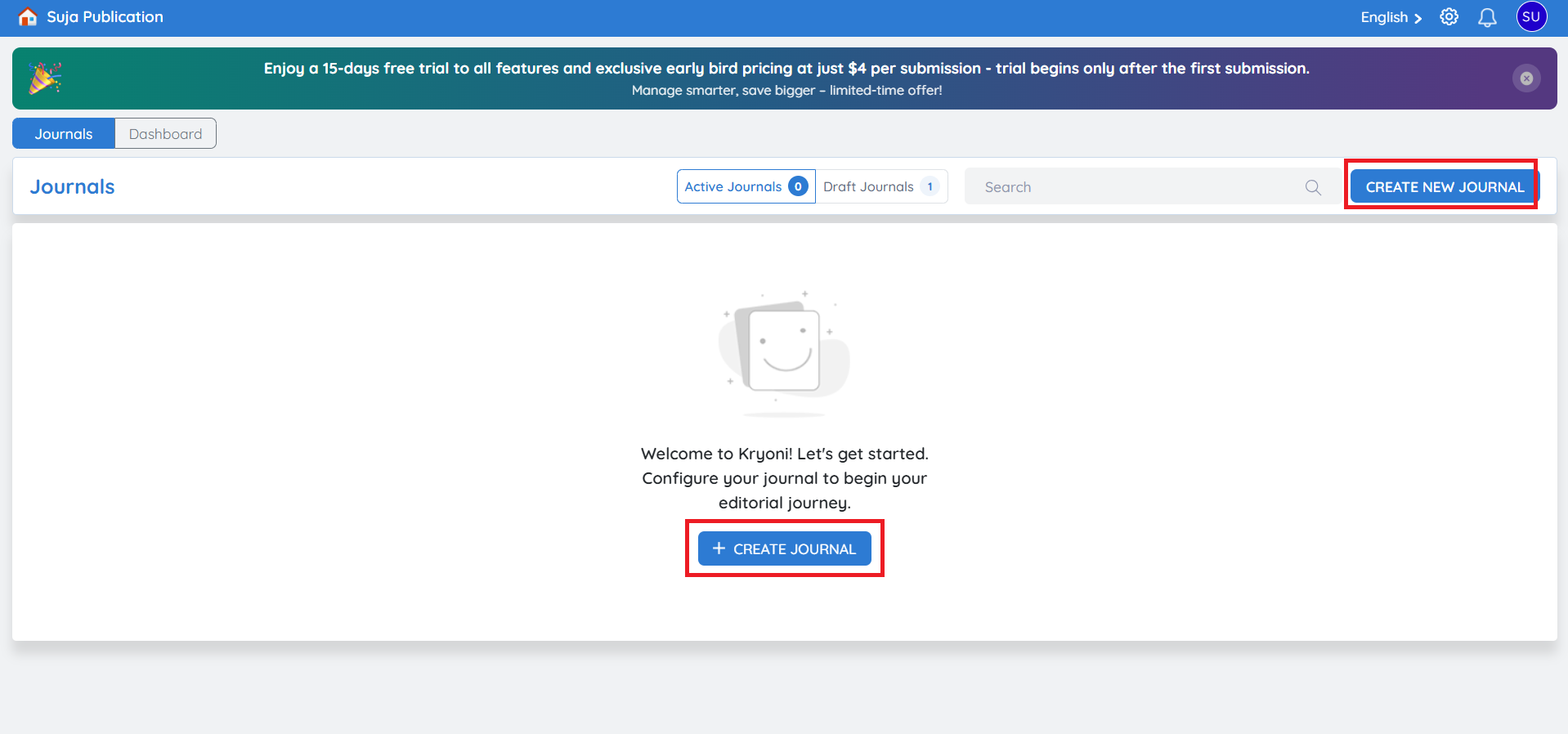
To create a new journal, click Create Journal. The journal setup is completed through a guided configuration process.