Overview
The User Roles and Settings section allows journal administrators to create, manage, and assign users to different roles within a journal. Each role can be configured with specific permissions to control access to various editorial functions.
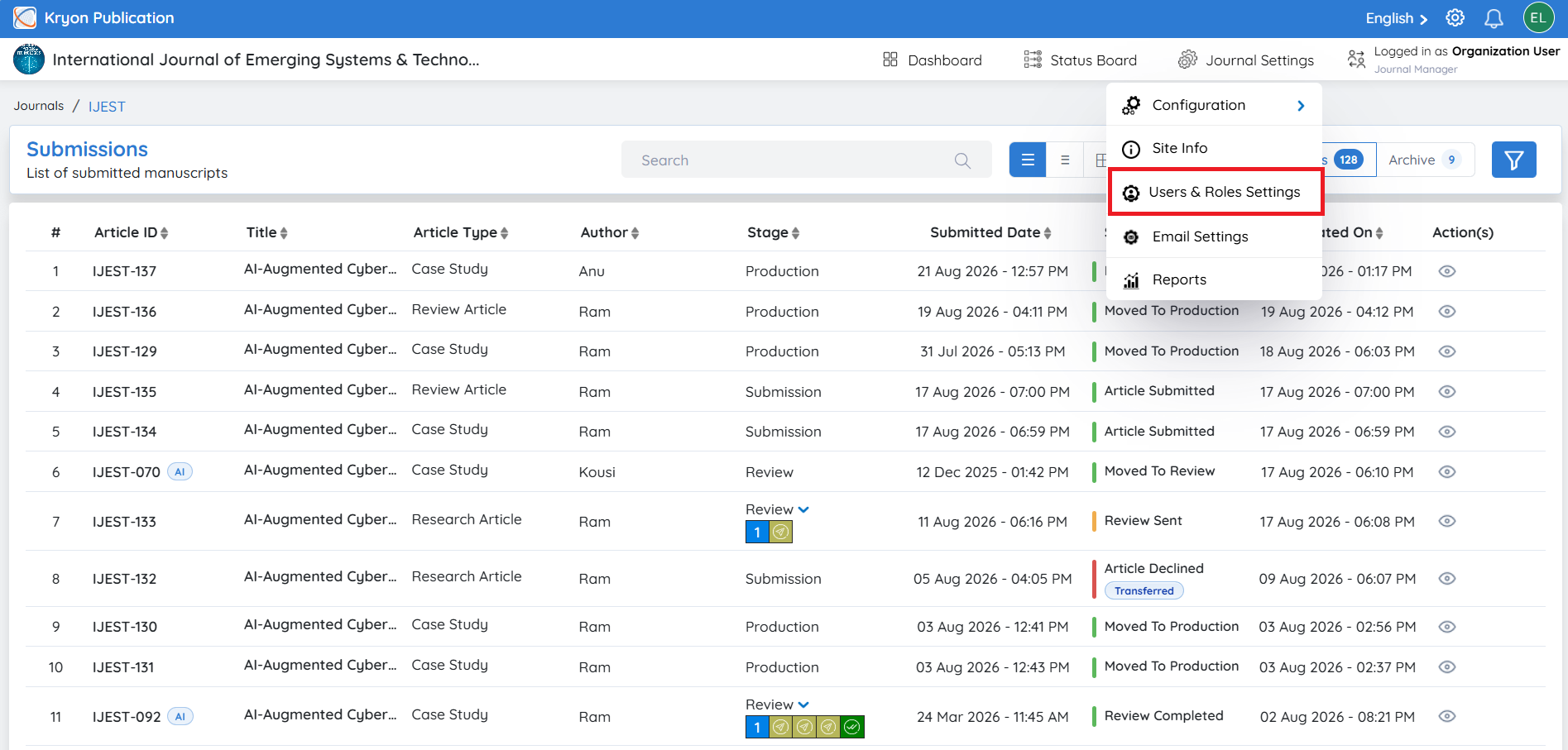
To access this section:
-
Navigate to Journal Configuration.
-
Click User Roles and Settings.
The page is divided into three categories:
-
Editorial Users
-
Reviewers
-
Authors
note
You can manually add Editorial Users and Reviewers. Authors cannot be added manually. Authors are automatically added to the journal once they submit their first manuscript through the journal's submission portal.