Assigning Users to Existing Roles
Once the required roles have been created, users can be assigned to them.
- Click Assign User.
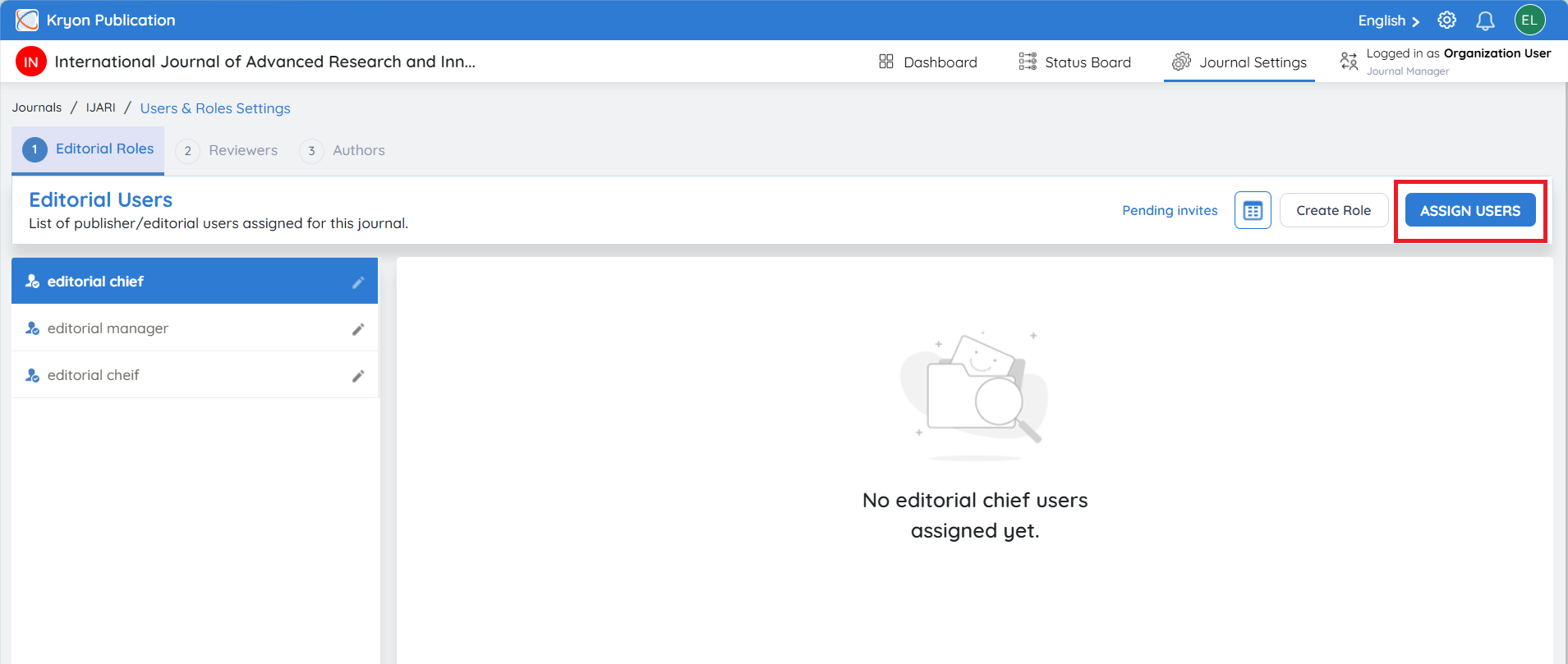
-
Select the Role from the drop-down list.
-
Either:
a. Select an existing user, or
b. Click Invite User to invite a new user.
-
Click Save.
The selected user will now be assigned to the chosen editorial role.