Reviewer Certificate
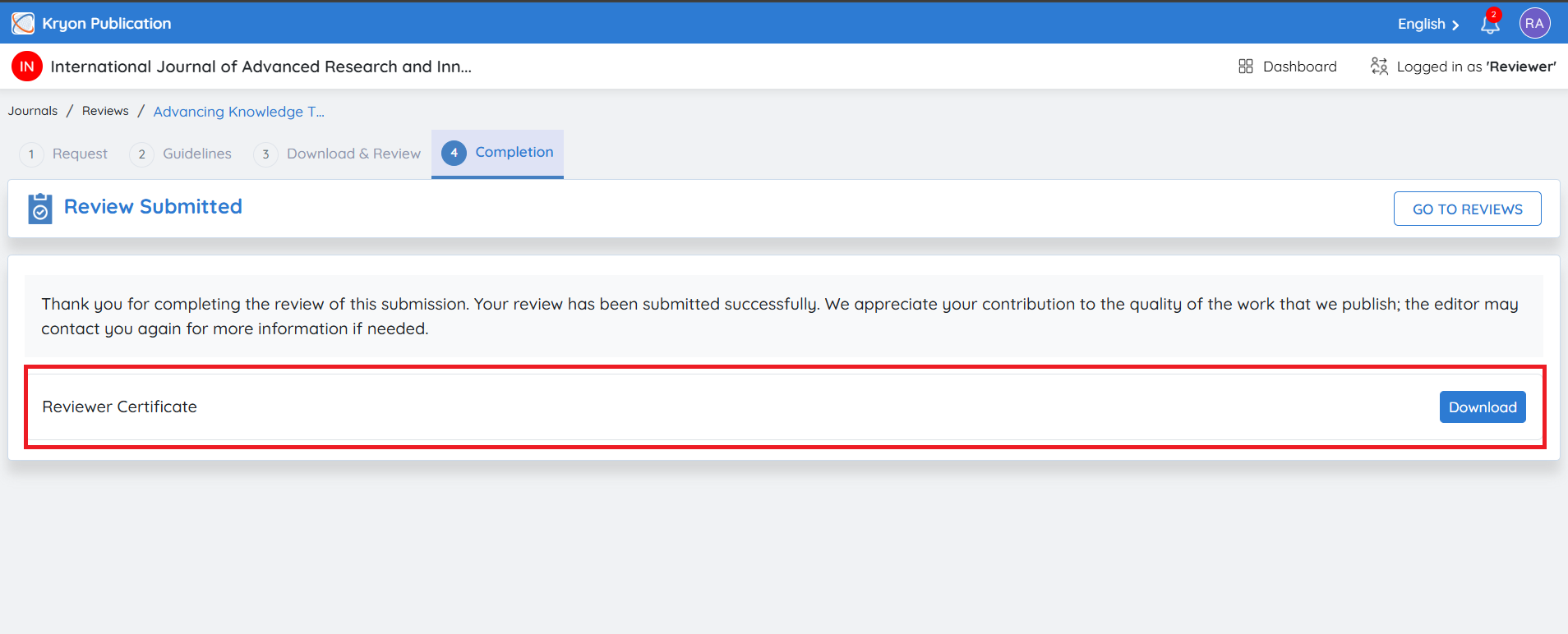
If the journal has enabled Reviewer Certificates, you can download your certificate directly from this page.
To download the certificate:
-
Navigate to the Completion page after submitting your review.
-
Under the Reviewer Certificate section, click Download.
-
The certificate will be downloaded in PDF format and can be used as proof of your peer review contribution.
The Reviewer Certificate option is available only if it has been enabled by the Journal Administrator or Journal Manager. If certificate generation is disabled for the journal, the download option will not be displayed.
Return to Reviews
To return to your reviewer dashboard:
-
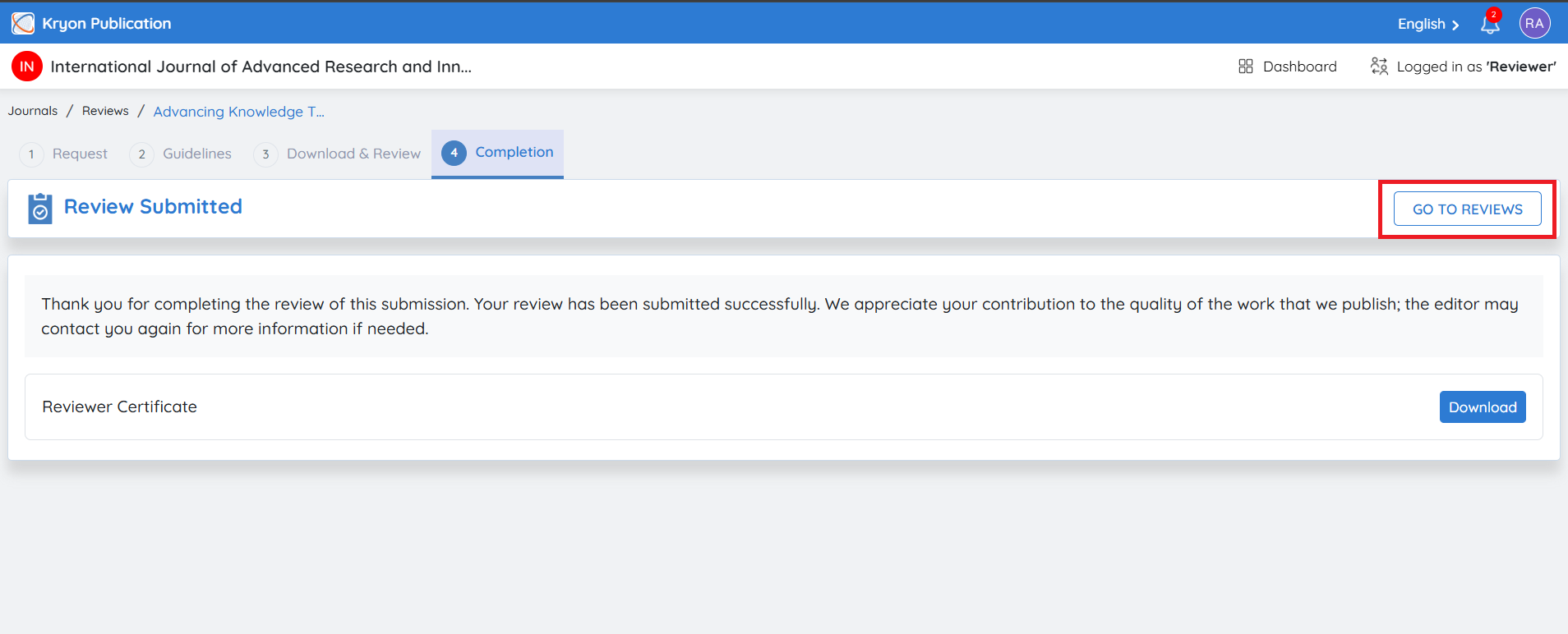
Click Go to Reviews.
-
You will be redirected to the Reviews page, where you can
Returning to the Reviews Dashboard
After submitting your review, click Go to Reviews to return to the reviewer dashboard.
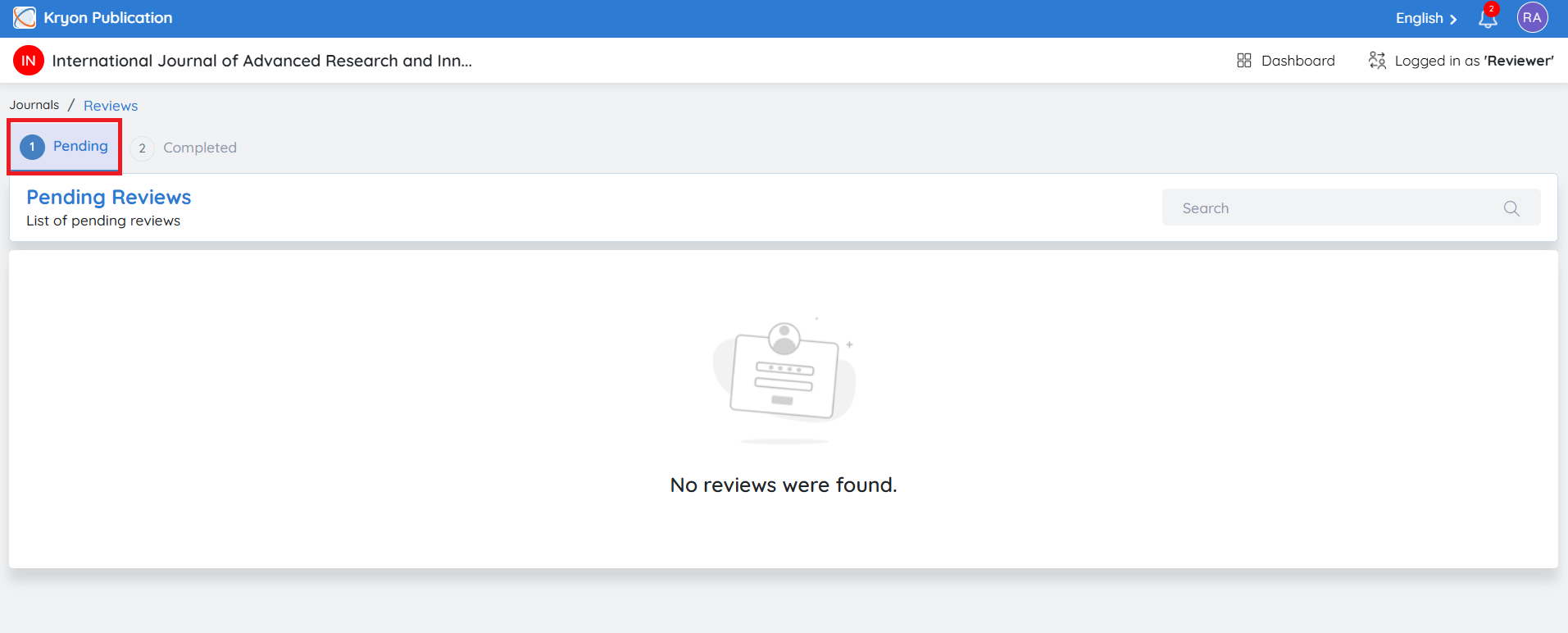
The Reviews page is divided into two sections:
Pending Reviews
The Pending tab displays all manuscripts that are currently assigned to you and are awaiting your review.
The list includes:
-
Submission Title
-
Assigner Name
-
Assigned Date
-
Response Due Date
-
Review Due Date
-
Current Status
-
Actions
Click the View icon under Actions to open the manuscript and continue or complete the review process.
Completed Reviews
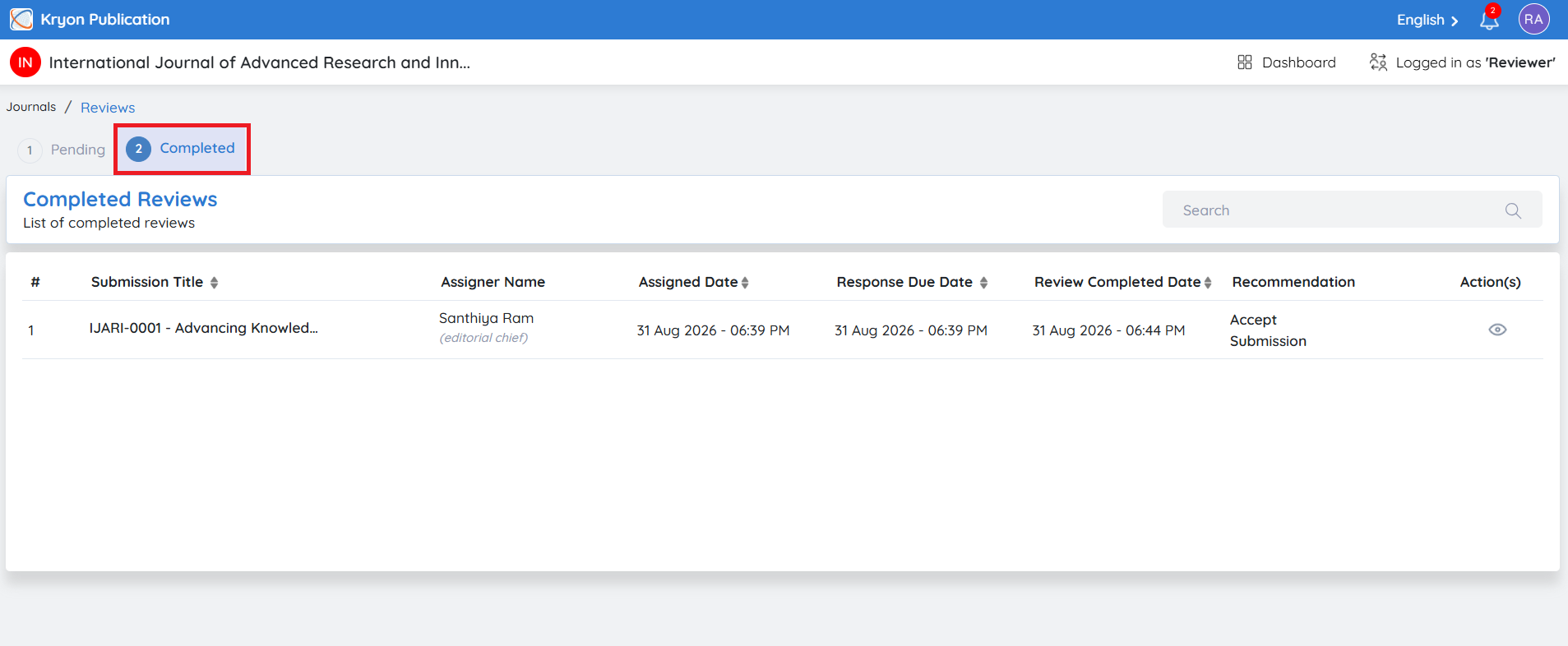
The Completed tab displays all manuscripts for which you have successfully submitted your review.
This page provides a complete history of your completed review assignments and the recommendations you have submitted.
The list includes:
• Submission Title
• Assigner Name
• Assigned Date
• Response Due Date
• Review Completed Date
• Recommendation
• Actions
Click the View icon under Actions to view the completed review details, including the submitted comments, recommendation, uploaded review files, and review history (based on journal permissions).
Benefits
The Completed Reviews section helps reviewers to:
-
View all previously completed review assignments.
-
Track review submission history.
-
Verify the recommendation submitted for each manuscript.
-
Maintain a record of peer review contributions for future reference.
Search Completed Reviews
Use the Search box to quickly locate a completed review by entering the manuscript title or article id. This is particularly useful when managing a large number of completed reviews.