Introduction
Kryoni JMS supports a multilingual interface, allowing users to work in their preferred language.
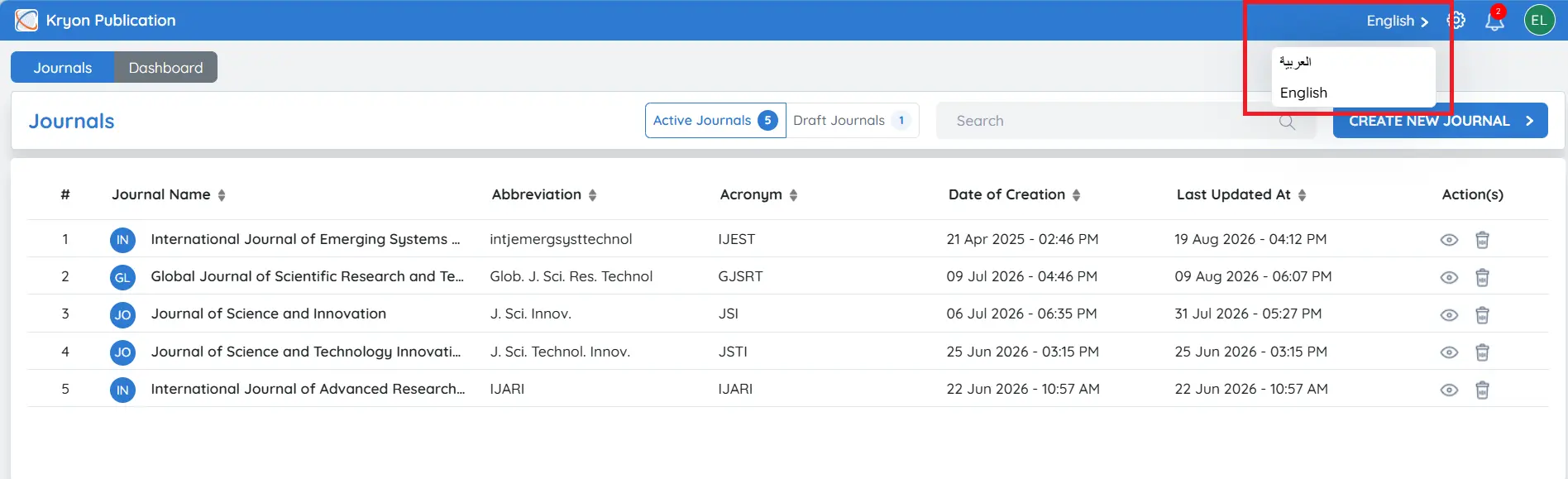
The Language Switcher is located in the top-right corner of the application.
To change the display language:
-
Click the Language selector.
-
Choose your preferred language from the available options.
-
The JMS interface will automatically refresh and display the selected language.
Available Languages
- English
- Arabic
The selected language is applied throughout the user interface, making navigation and system interaction more convenient for users.